App Store Screenshot
Generator in 30s
Paste your App Store URL, pick a style, get 5 professional screenshots. Campaign-quality designs that actually convert — no design skills needed.
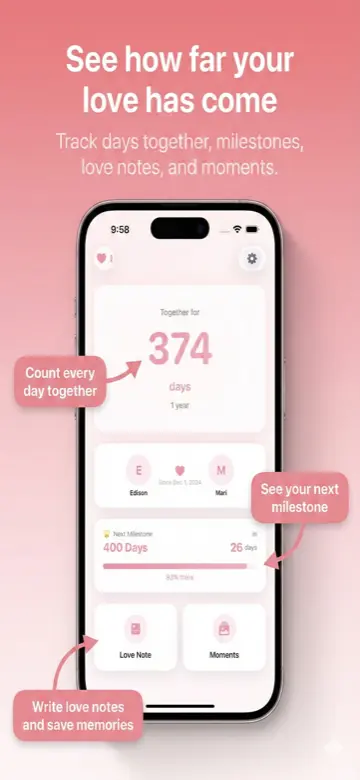
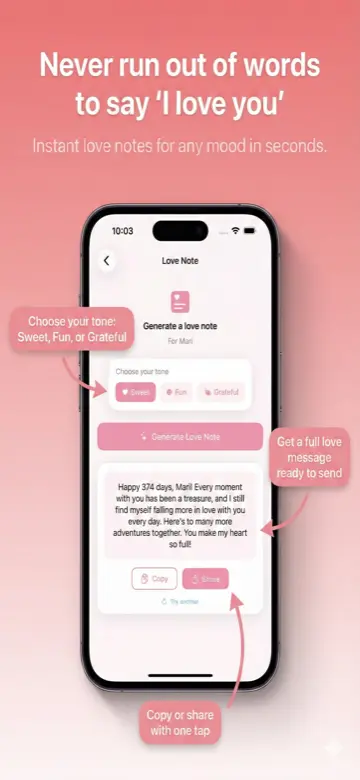
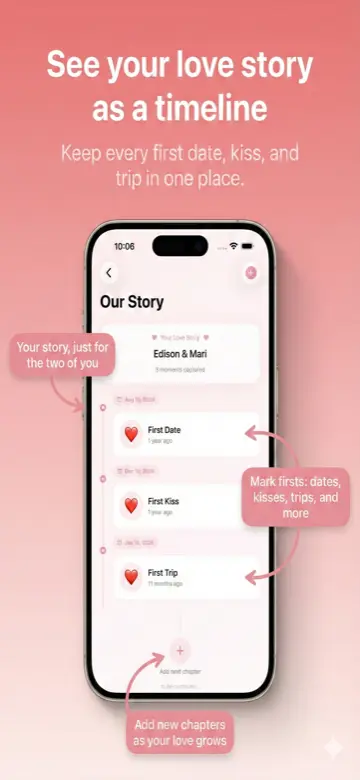
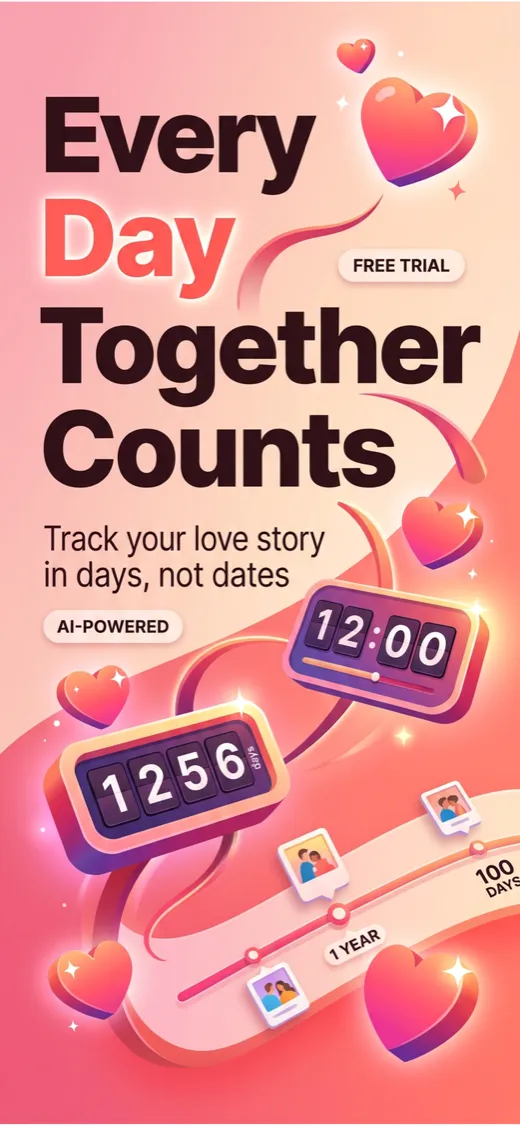
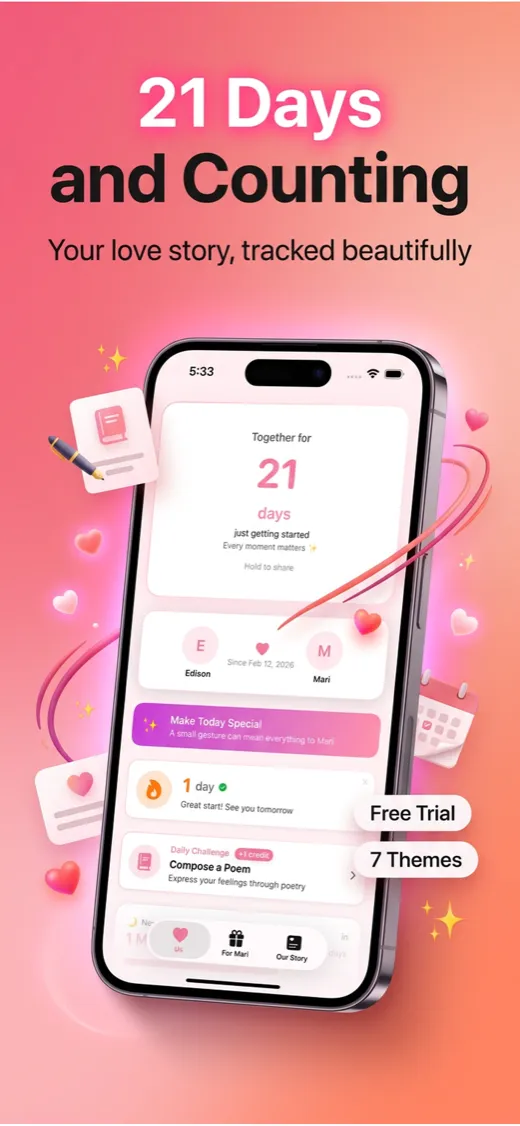
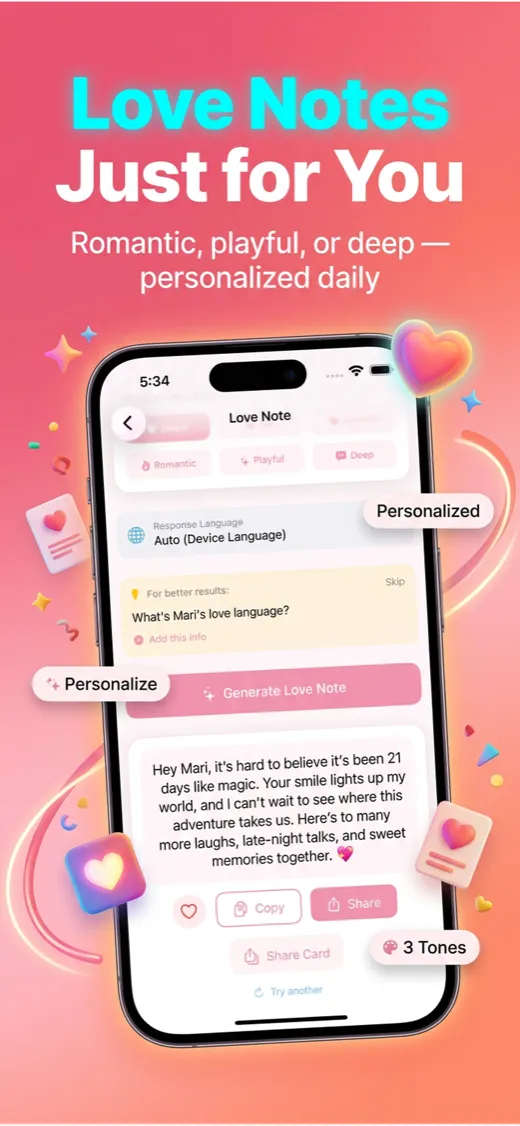
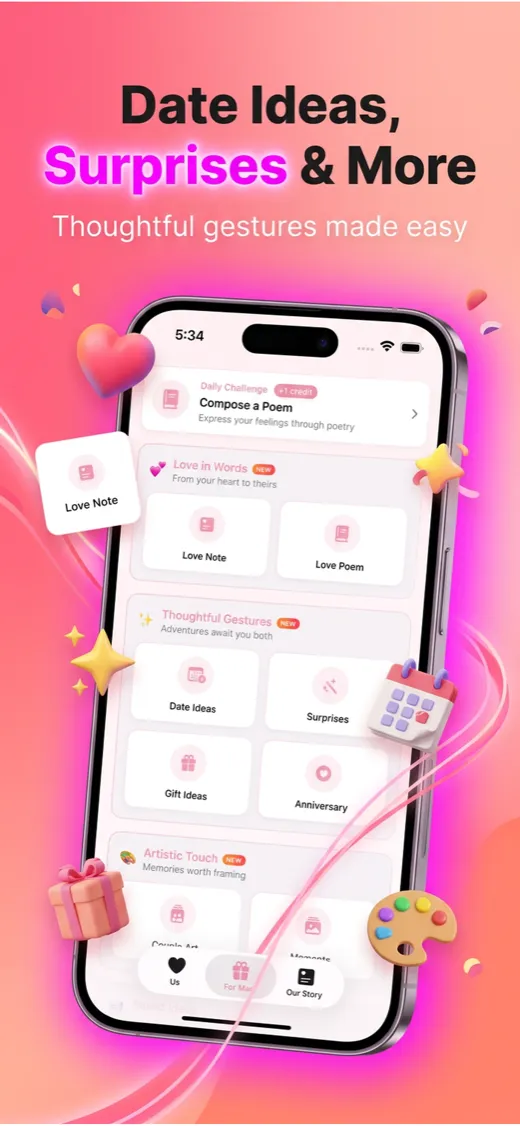
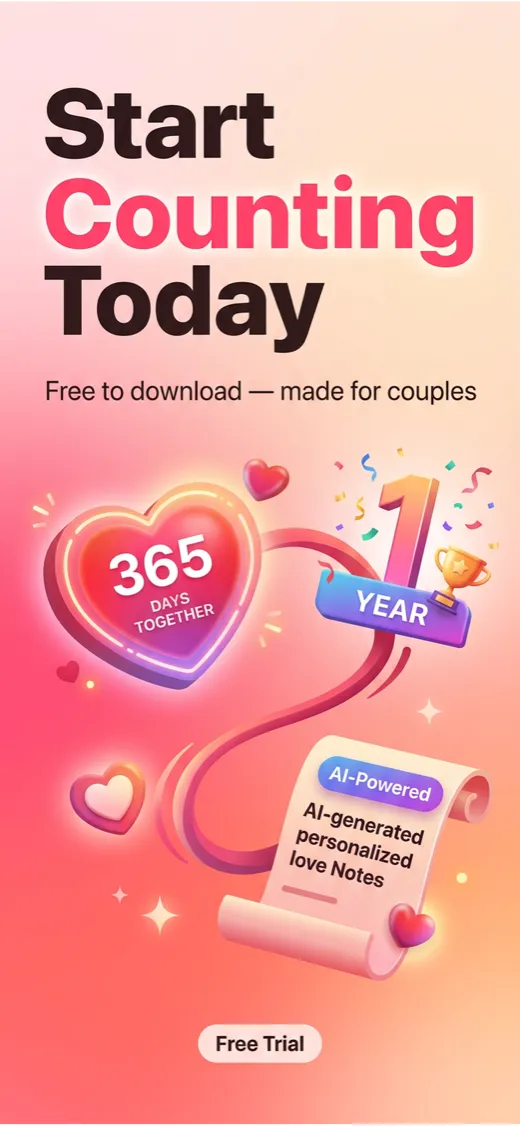
5 screenshots · 30 seconds · App Store Connect ready
See the difference
Not your average screenshot maker
Full campaign compositions with 3D elements, floating badges, decorative curves, and rich visual storytelling. Click any screenshot to see the full quality.
Generated for Days Together: Love Tracker
5 screenshots. 30 seconds. All AI. App Store Connect ready.
Works for any category
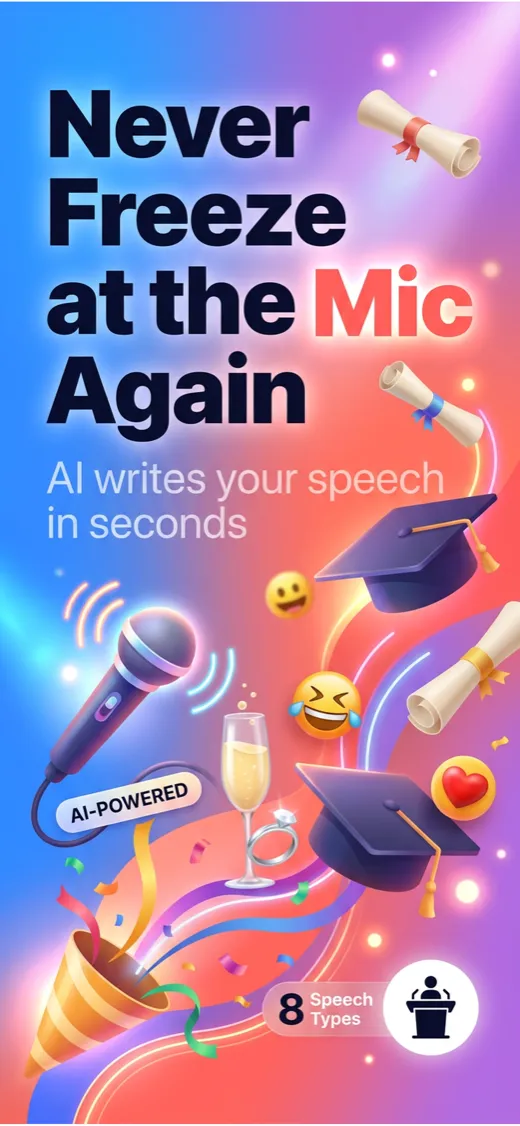
SpeechWriter AI
Productivity
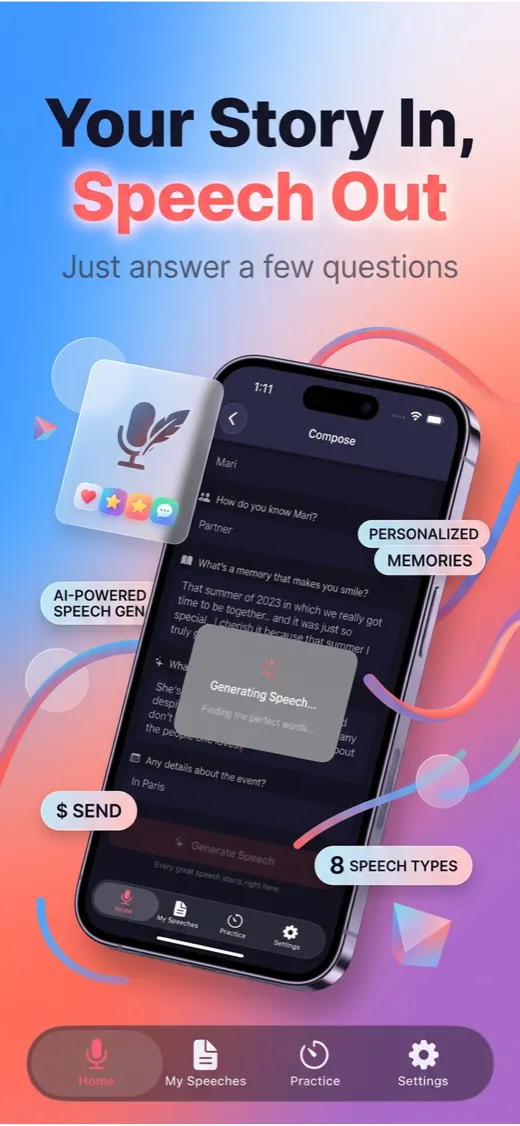
SpeechWriter AI
Productivity
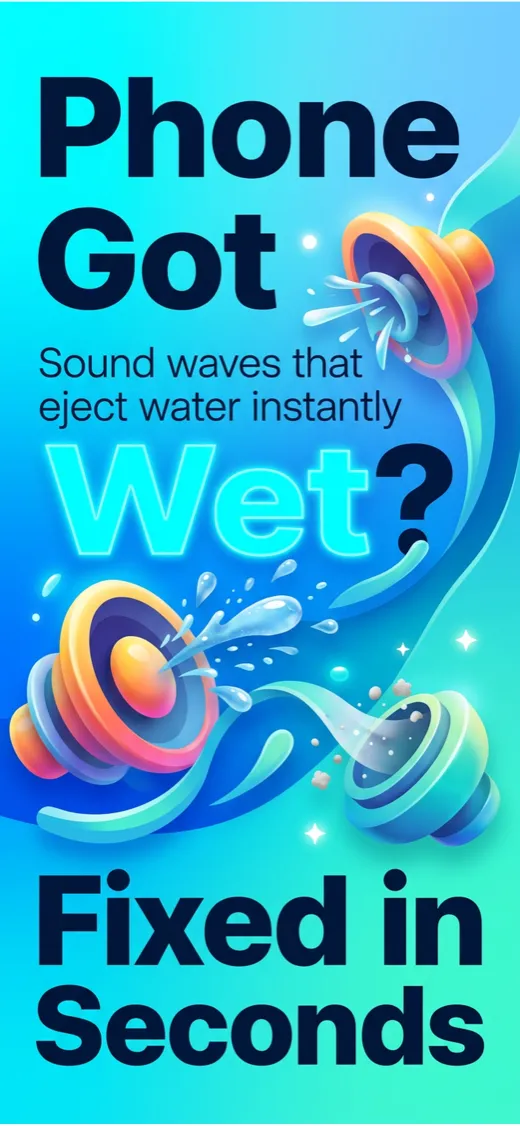
Speaker Cleaner
Utilities
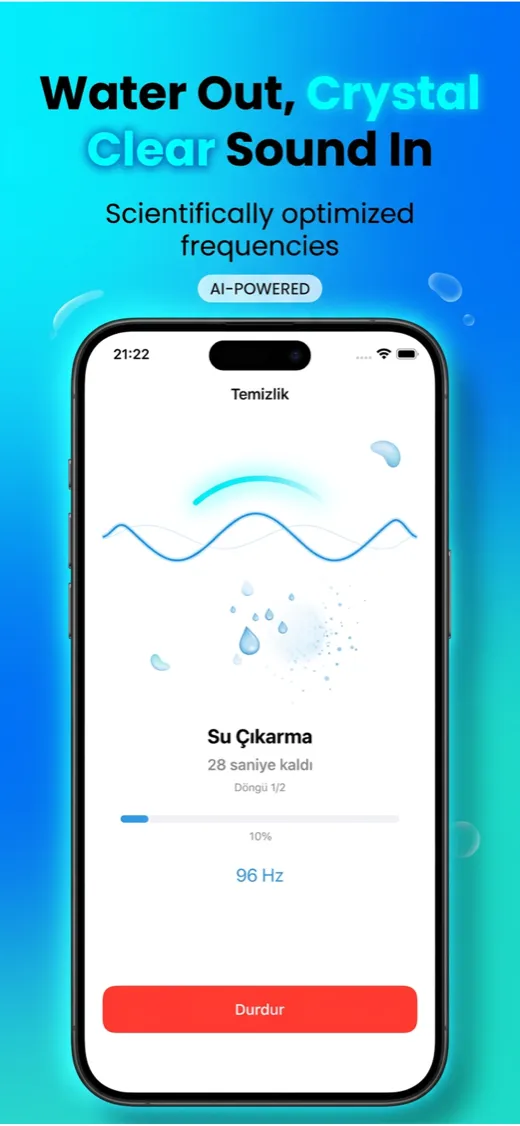
Speaker Cleaner
Utilities
The impact
+40%
More tap-throughs
+28%
Higher conversion rate
2.1x
Revenue increase
30s
Generation time
Based on A/B testing across indie app portfolios. Individual results vary.
I would pay for this tool. The screenshot quality is genuinely better than what I've been making manually in Figma.
@hanx2ontheway
iOS Developer, Beta Tester
Three steps to beautiful
From app info to App Store Connect in under a minute.
Describe your app
Paste an App Store URL and we'll fetch everything — name, description, screenshots. Or just type your app name and a quick description.
Pick a style
Choose from 16 gradient presets across 4 categories — vibrant, warm, cool, and minimal. Each designed for maximum shelf appeal.
Preview free, then unlock
See 2 preview screenshots free. Love them? Get all 5 for $9.99 — AI-reviewed and App Store Connect ready.
The iOS screenshot tool built for devs
Everything you need to create professional App Store screenshots without hiring a designer.
4-Gate Quality Review
Every screenshot scored on visual quality, headline clarity, cleanliness, and conversion power. Auto-retries on failures.
AI-Written Headlines
Smart story arc — hook, value, feature, CTA. Each headline crafted for its role in your screenshot set.
No Screenshots Needed
AI generates rich campaign visuals from a description alone. 3D elements, floating badges, full compositions.
App Store Connect Ready
1242 x 2688px — the exact resolution. Upload directly to ASC. Works for all iPhone display sizes.
Export Anywhere
Download ZIP, individual PNGs, copy to clipboard, or Figma-friendly export with descriptive filenames.
3 Modes, Your Choice
Quick Generate in 2 clicks, Import & Improve from App Store URL, or Full Control with custom headlines.
One price, no surprises
Designers charge $200–$500 per set
2 free previews, then $9.99 for the full set of 5
No account needed · Secure payment via Stripe
No subscription. Pay per generation.
Frequently asked questions
What if I don't like the results?
Regenerate any screenshot for free, as many times as you want. Each regeneration gets AI quality-reviewed automatically. You only pay once you love the preview.
Do I need to provide my own screenshots?
No. Just enter your app name and description — AI generates everything including the app UI visualization. You can also import directly from your App Store listing or upload your own screenshots for even better results.
What App Store sizes are supported?
Screenshots are generated at 1242×2688px (iPhone 6.5-inch) which App Store Connect accepts for all iPhone display sizes. Upload once, works everywhere.
Can I use these for my commercial app?
Yes. You own full rights to all generated screenshots. Use them on App Store Connect, your website, social media, or anywhere else.
Your app deserves better
screenshots
Stop settling for generic phone-on-gradient layouts. Create campaign-quality marketing visuals that actually convert.
Try It Free